
Document view
Upon opening the document, users are directed to the classification view, where they can discern sensitive data contained within the document.
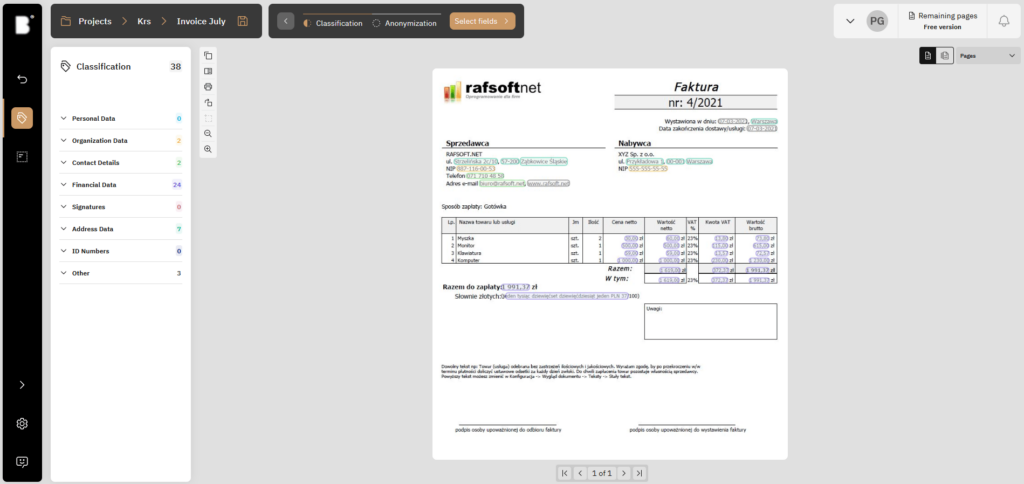
This view contains:
Ability to print or rotate the document
Option to view the entire document
Menu displaying all automatically classifiable categories and the quantity of each within the document
Option to select which page areas should be anonymized
Review of document’s operation history

The left-hand menu enables navigation through various categories of classified information. Users can selectively disable previews for individual categories if they are only interested in certain ones. Two options are available here: users can either exclusively view the ‘Financial Data’ category in the classification preview or hide it.
Last updated